As a SKYWARN Spotter, I really enjoy a quality radar app. While storm spotting, it’s a safety advantage to have a visual on what the storm is doing at all times. For years, I have used an application called RadarScope on my mobile devices. On the desktop RadarScope has a Windows version, but as of the last time I asked them, they did not have any plans for a Linux version. Recently, while checking out the latest updates on weather apps for Linux I ran across Radar Omega.
I was vaguely familiar with the Radar Omega app on Android, and even tried it once before settling on RadarScope. Both work on a similar model where you pay a subscription fee to get non-smoothed radar imagery along with additional features like lightning data. This annual subscription gives you access to the mobile app and a desktop app available for Linux, Mac, or Windows. The desktop version for Linux comes in the form of an AppImage, a convenient app package that functions as an all-in-one executable. After I signed up for the subscription in my mobile app, I saved the AppImage file to workstation and gave it go. And folks, let me tell you I was beaming with excitement when the app launched.
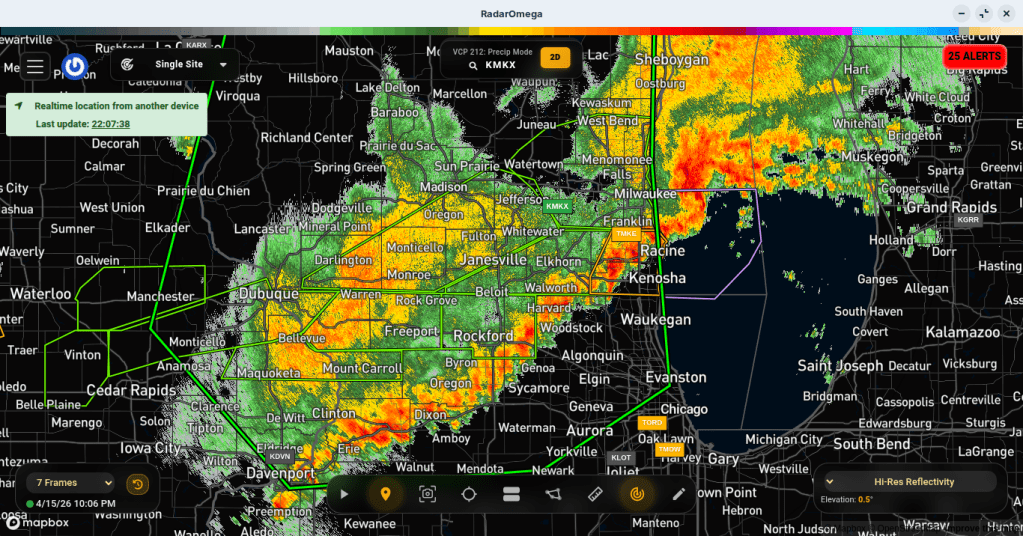
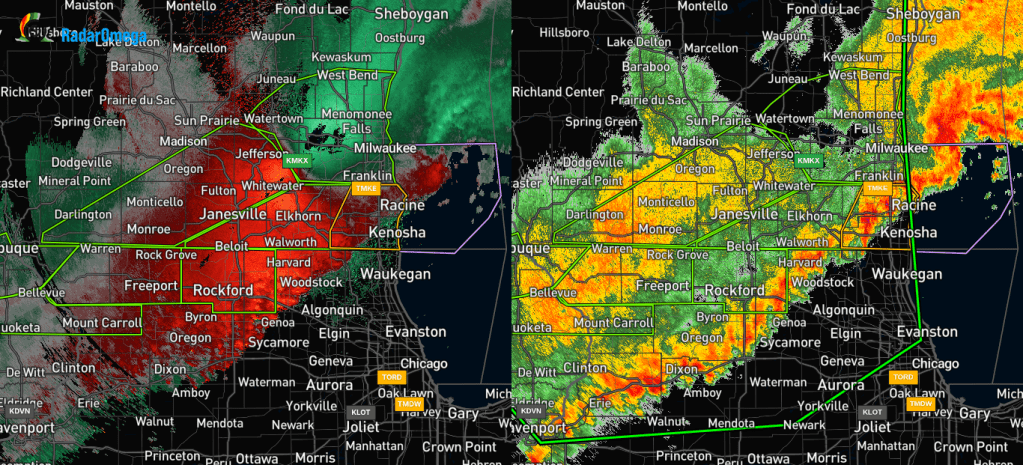
As you can see from the screenshot above, it’s beautiful. It has a clean interface with menus along the top and bottom of the screen. I have wanted access to NEXRAD Level 3 radar data from my desktop for a very long time. NEXRAD Level 3 also features a number of different weather visualizations often called “products.” As with many modern radar apps, you can choose the product you want to see. As it so happens in this app, you can also view two different products at the same time. With the line of storms passing through Wisconsin, I wanted to see not only the high-res reflectivity showing the precipitation (on the right in the screenshot below), I wanted to see the wind as well and chose the storm-relative velocity (on the left).
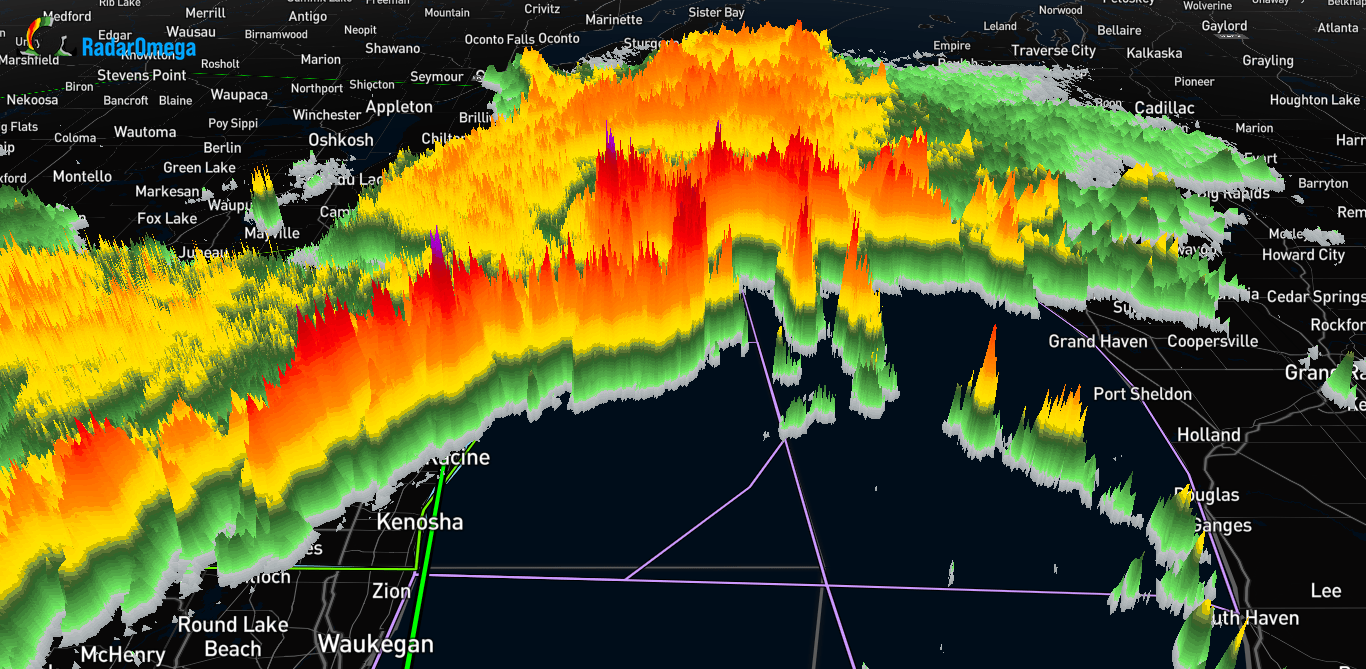
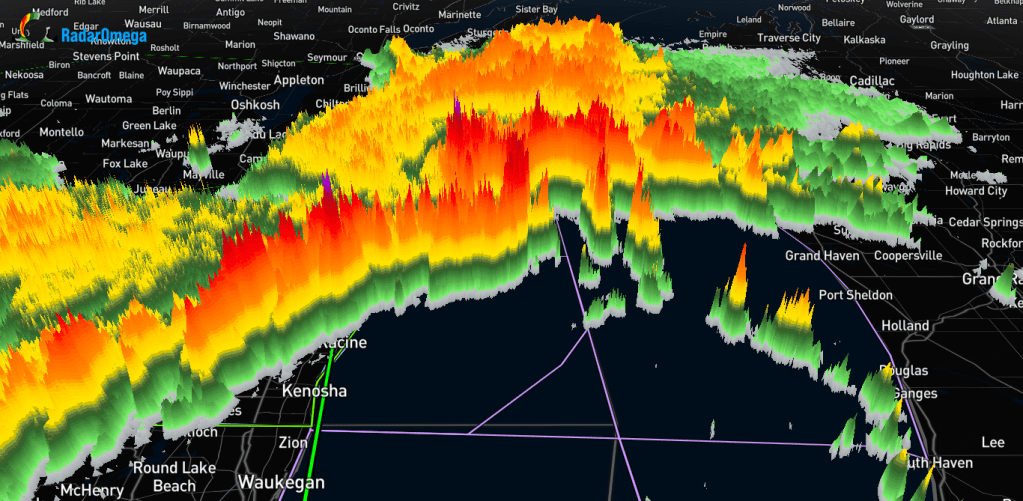
I began to explore a bit further and was able to try a feature I have heard about on other radar apps but never used myself – 3D visualization of storms. This nifty feature utilizes Echo Tops to visualize storms. Echo Tops shows the height of precipitation cores in storms, not overall cloud height. Pretty cool, right? I really enjoyed playing with this feature. The navigation method that allows you to change the angle of view is similar to Google Earth. The screenshot below was captured using the app’s built-in screenshot tool.
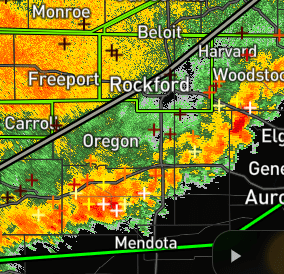
I was also impressed with the amount of customization available to the user. There were options to choose what kind of notifications you would get, which information you wanted to see on the screen, lightning strike data, Spotter Network integration, etc. Another interesting feature I noticed is that my location was conveniently updated by my phone’s location being saved in the mobile app. You can see what the lightning strike data looks like in the screenshot below. “+” signs show the location of strikes and the color indicates how long ago the strike occurred.
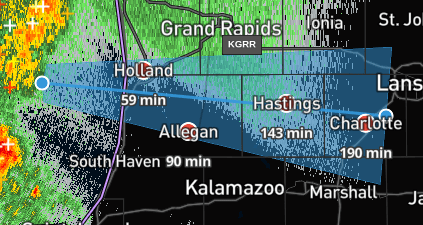
You can draw on the map with two different features, one is a free-form marker and the other allows you to select a point along a storm and then drag out an arrow which shows cities along the path of the storm with the associated time that it will take for the storm to reach the cities if the current path is maintained as shown in the screenshot below.
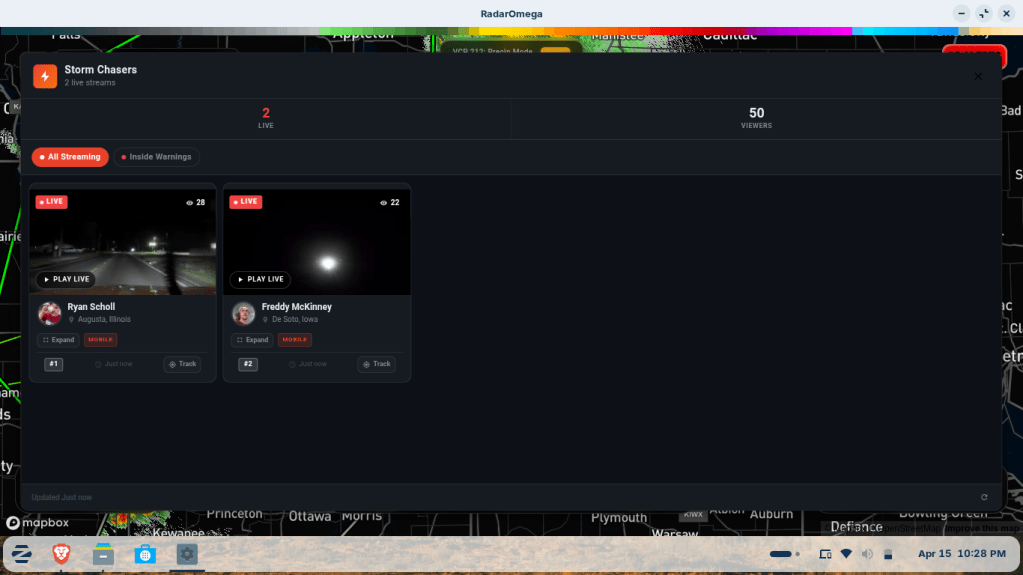
There was also a Storm Chasers tab which showed live feeds from active storm spotters. I was impressed with this feature because it allowed you to play the feeds without leaving the app and having to go to something like Facebook or YouTube.
Overall, I was very impressed with this app. It runs well even on my low-spec workstation running Zorin OS 18. As a SKYWARN Spotter, it will be very helpful in times where I am spotting from home and can take advantage of the larger screen. There is also a level of satisfaction knowing that I can support a company that is willing to support Linux compatibility.

